Bring your design system to AI
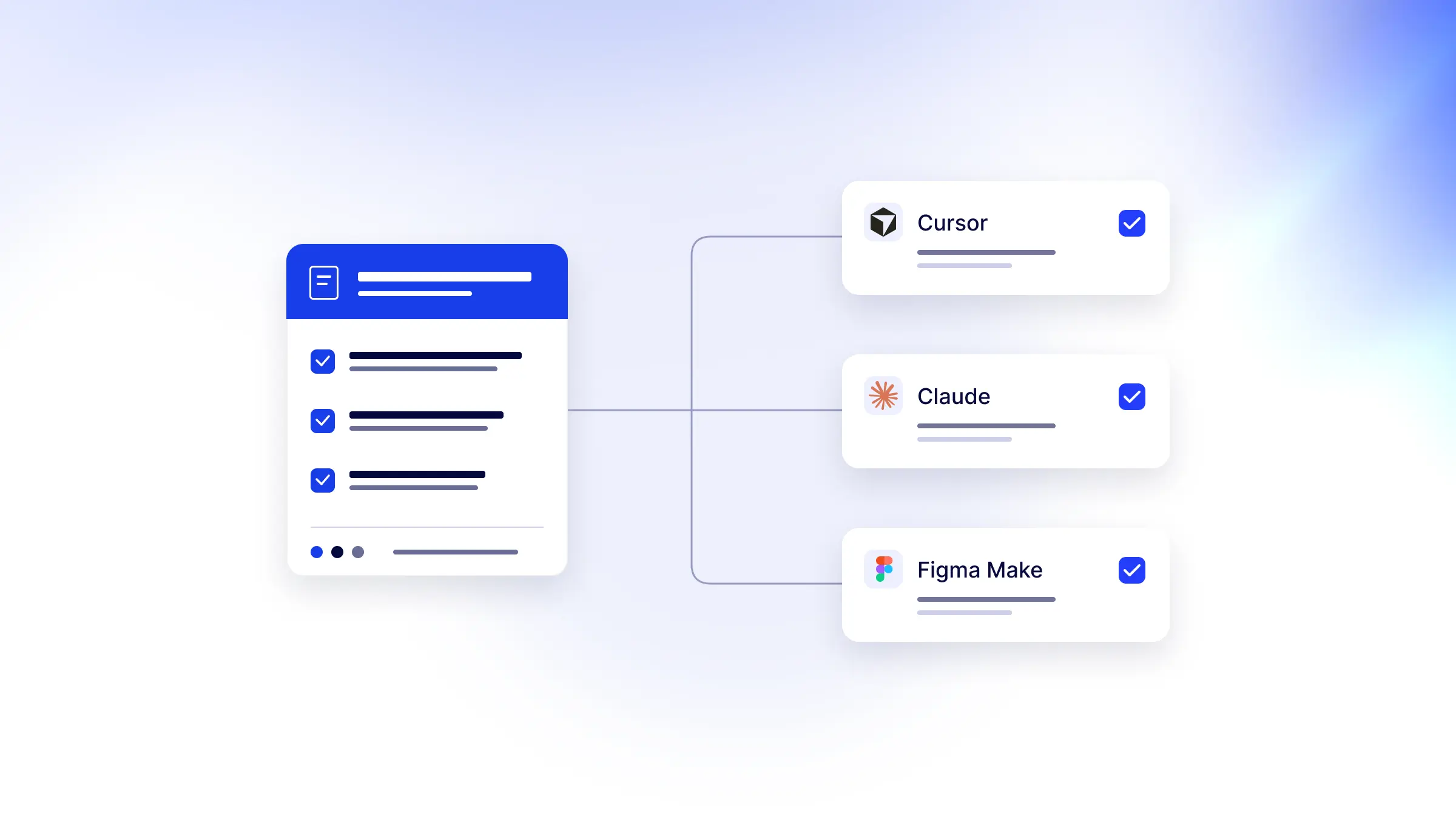
Get design system guidelines into AI apps with less setup
Explore the latest UI Rules updates for getting design system guidelines into AI apps: easier connections, clearer imports, and token delivery checks.
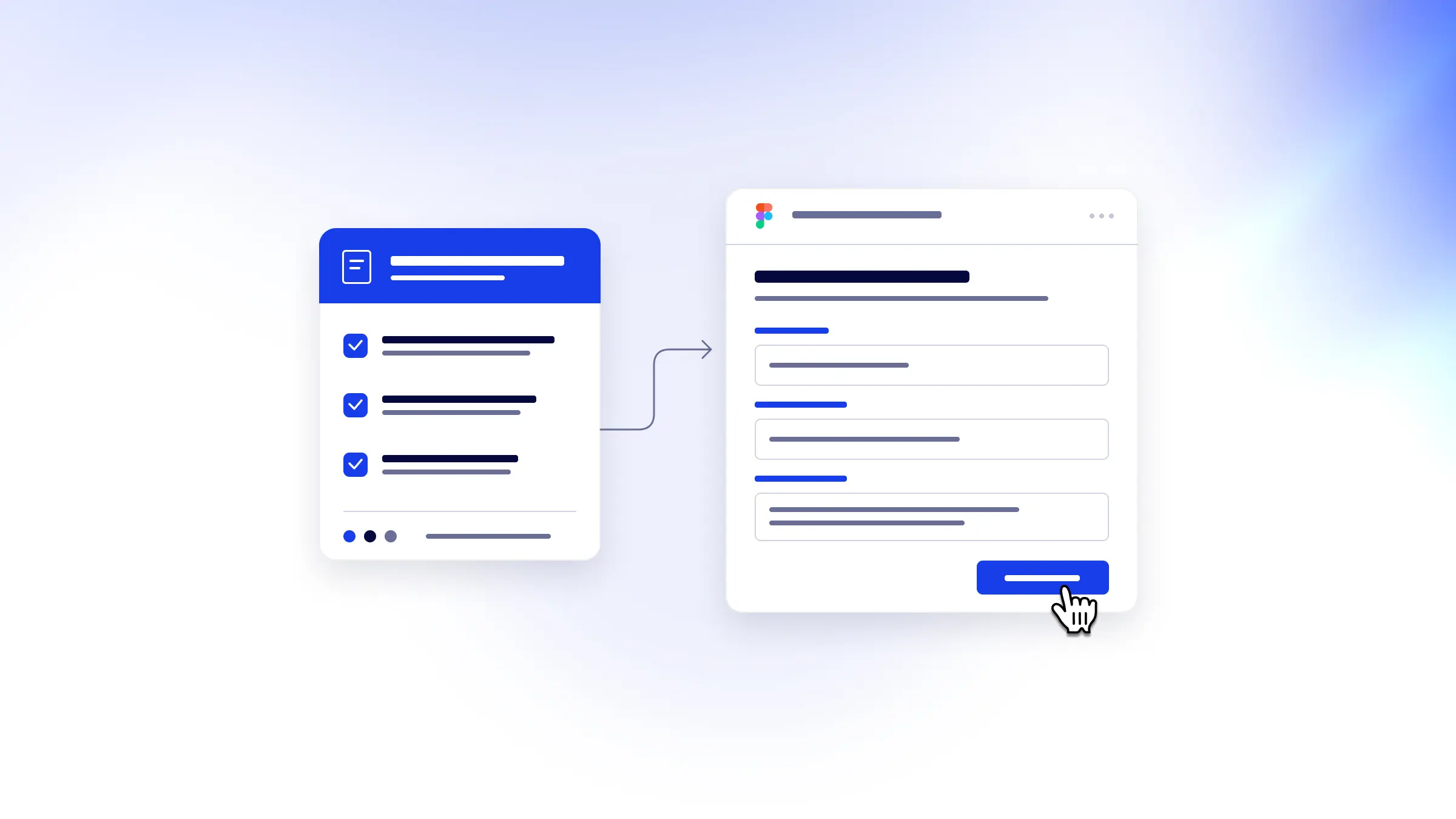
How to add design system guidelines to Figma Make
Use UI Rules with Figma Make to bring your design tokens, component guidelines, tone of voice, and accessibility rules into your next prototype.
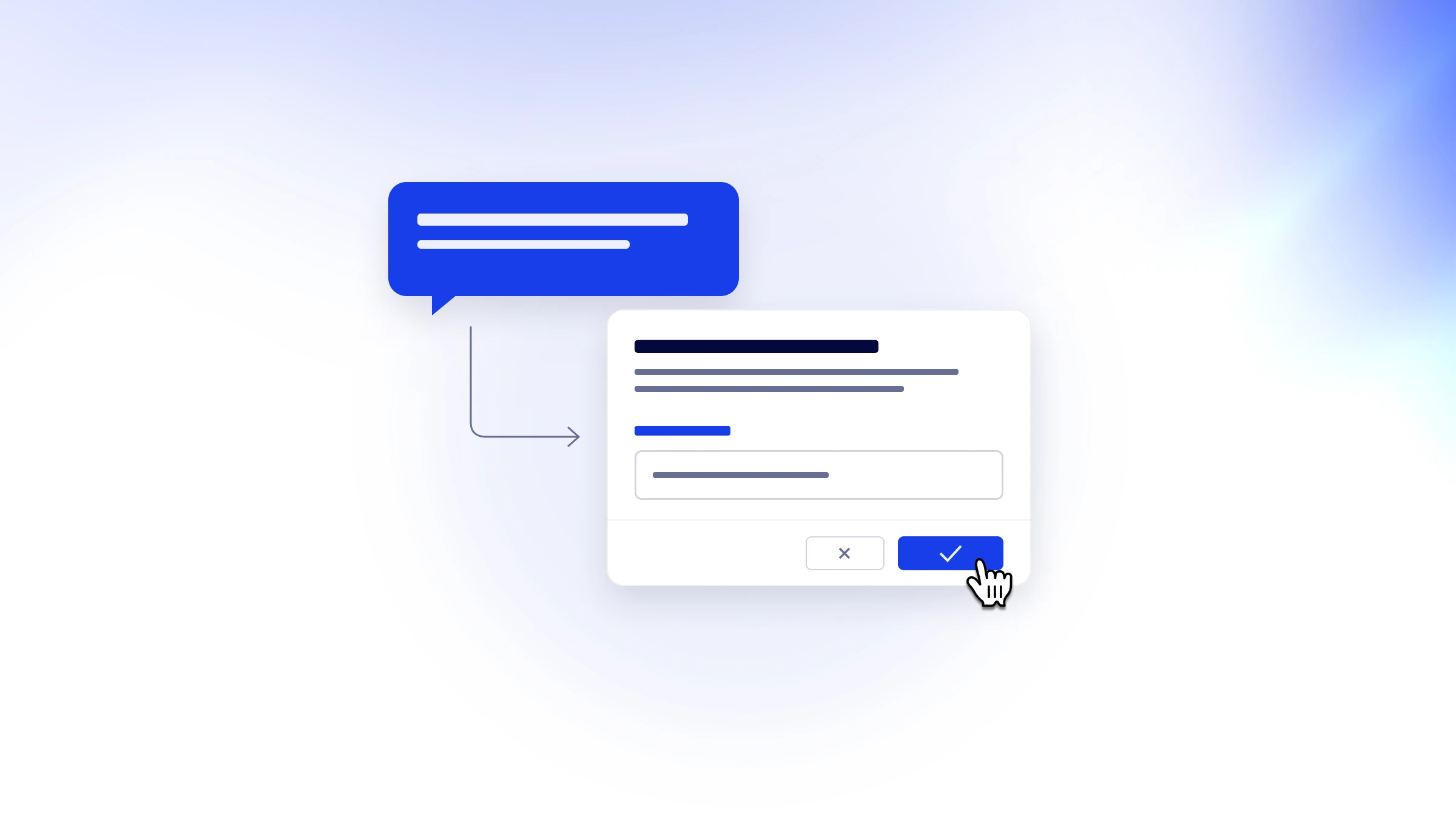
How to manage your design system with the UI Rules Agent
Manage your design system in plain language with the UI Rules Agent. Review every proposed change to your guidelines, styles, and assets before applying it.
How to share your design system rules with AI coding tools
Write and organize design system guidelines in UI Rules, then share them with your connected AI coding tools to help keep your apps on brand.
How to use your brand styles in AI coding tools
Import your brand styles from Figma, CSS, or a preset into UI Rules and share your colors, typography, and spacing across connected AI coding tools.

How to keep AI aligned to your design system
Help AI coding tools follow your design system. Keep brand styles, component guidelines, tone of voice, and logo rules together in UI Rules.